 0:20
0:20Rain

Let the day loosen its hold. Find your sound, settle into a small ritual, and make a little room for rest.
A bedtime companion for iPhone
Rain against a window. Water finding its way. A distant tide. Take a moment to listen.
20-second sound previews0:20Rain
 0:20
0:20Water
 0:20
0:20Water
Sound starts only when you choose. Listen at a comfortable volume.
Explore rain, water, nature, tones, noise and comforting spaces in the app.
Some nights you want a routine. Other nights, just a familiar sound. Sleepanion meets you where you are.
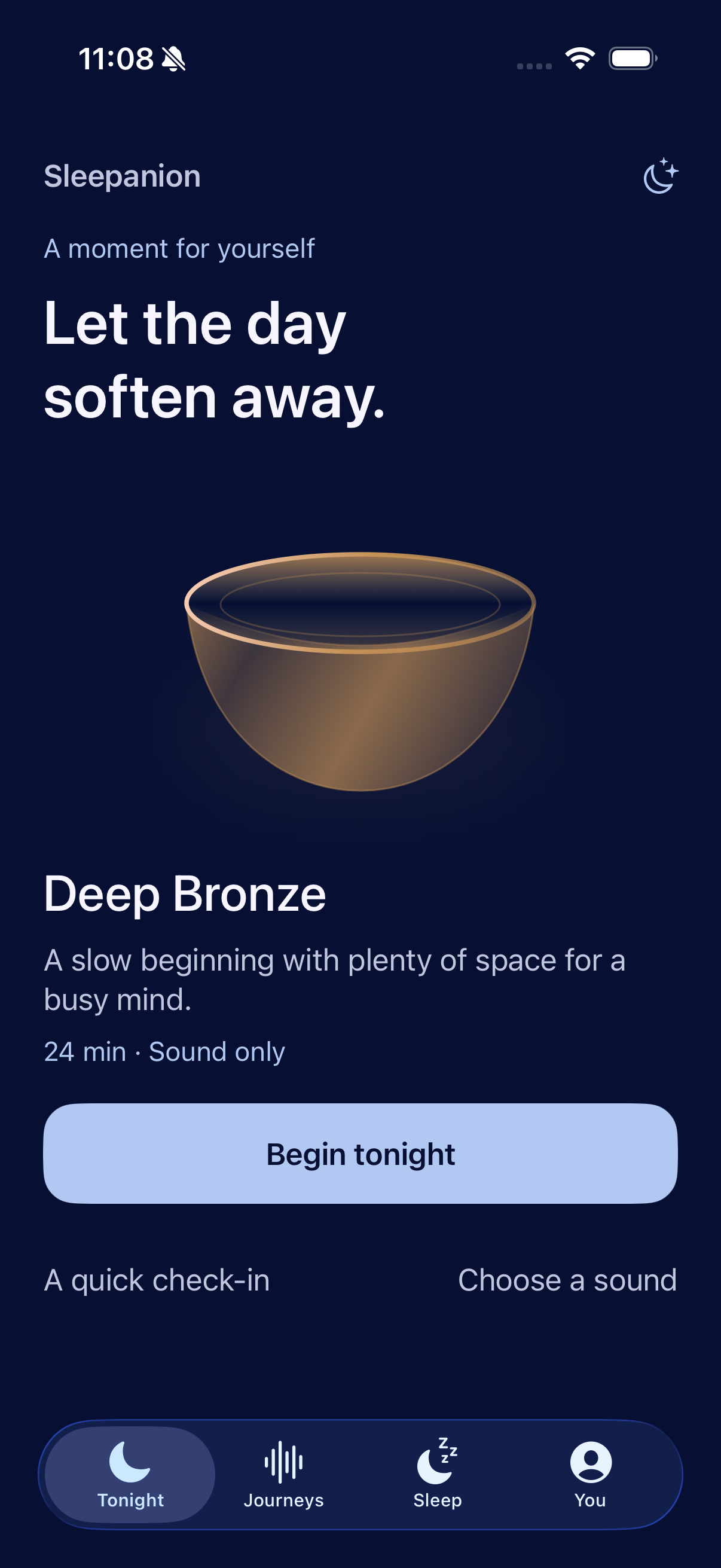
A short evening check-in helps you choose what feels right. No perfect routine required.
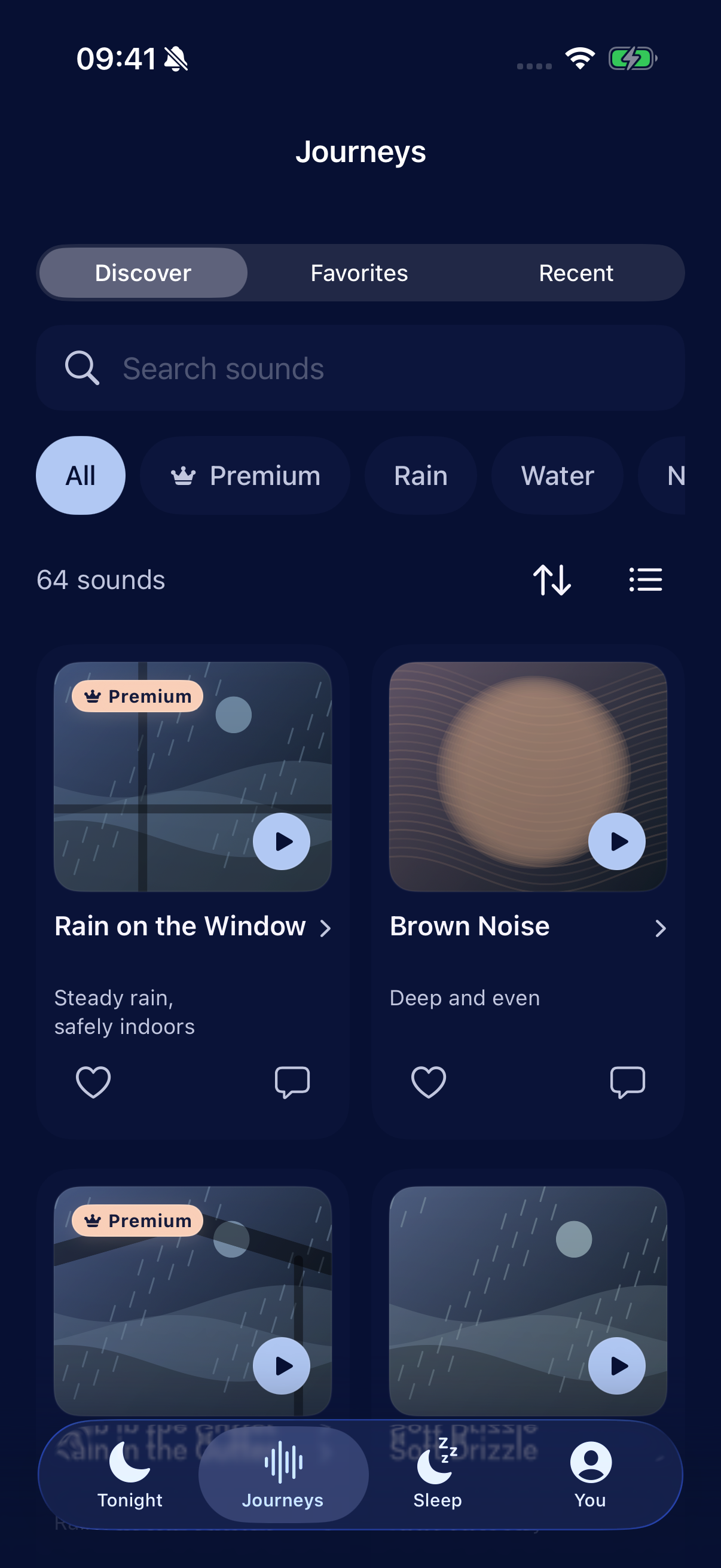
Find a sound world, press play and put your phone down. Your evening can unfold from there.
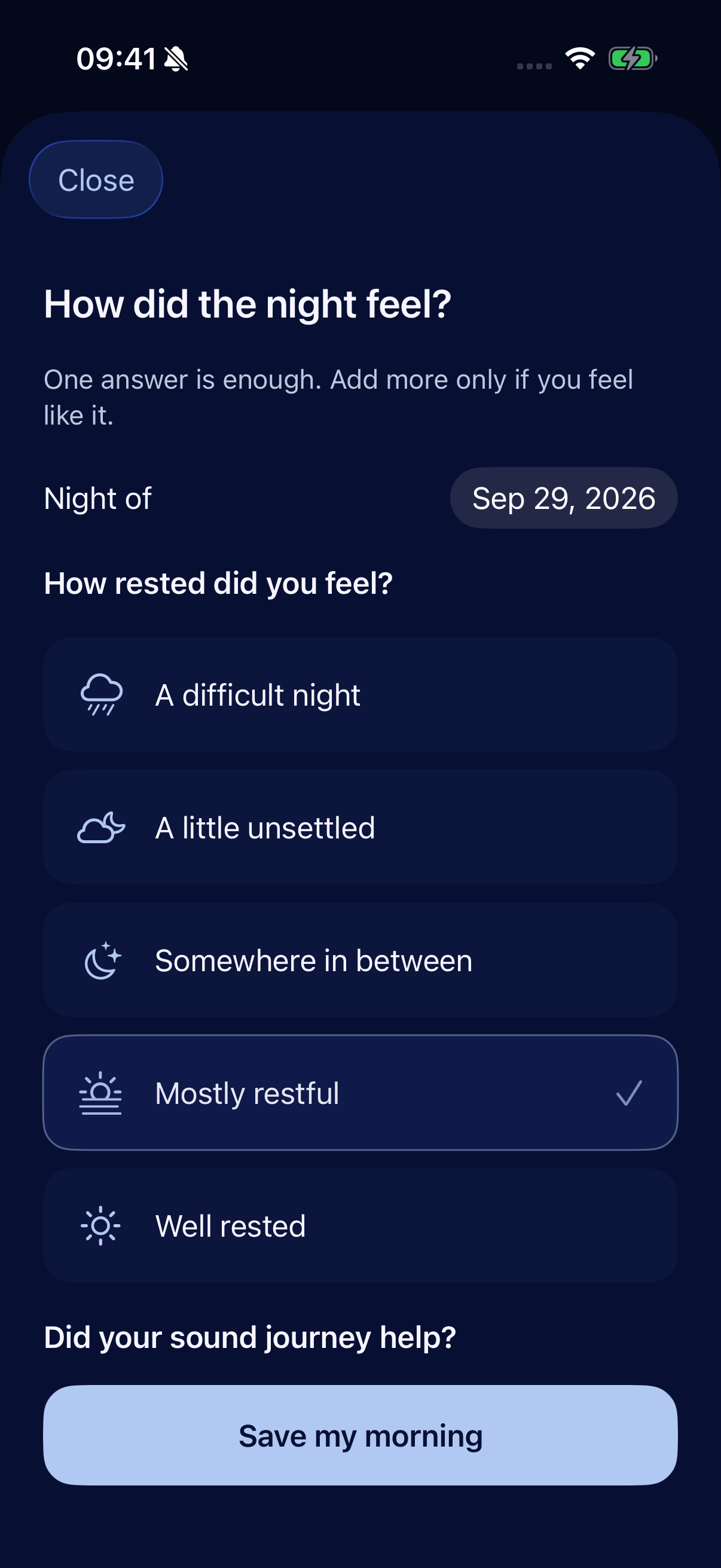
One simple reflection, with room for more if you want it. A record of how you feel, in your own words.
Actual app screens. Personal reflections shown are illustrative.
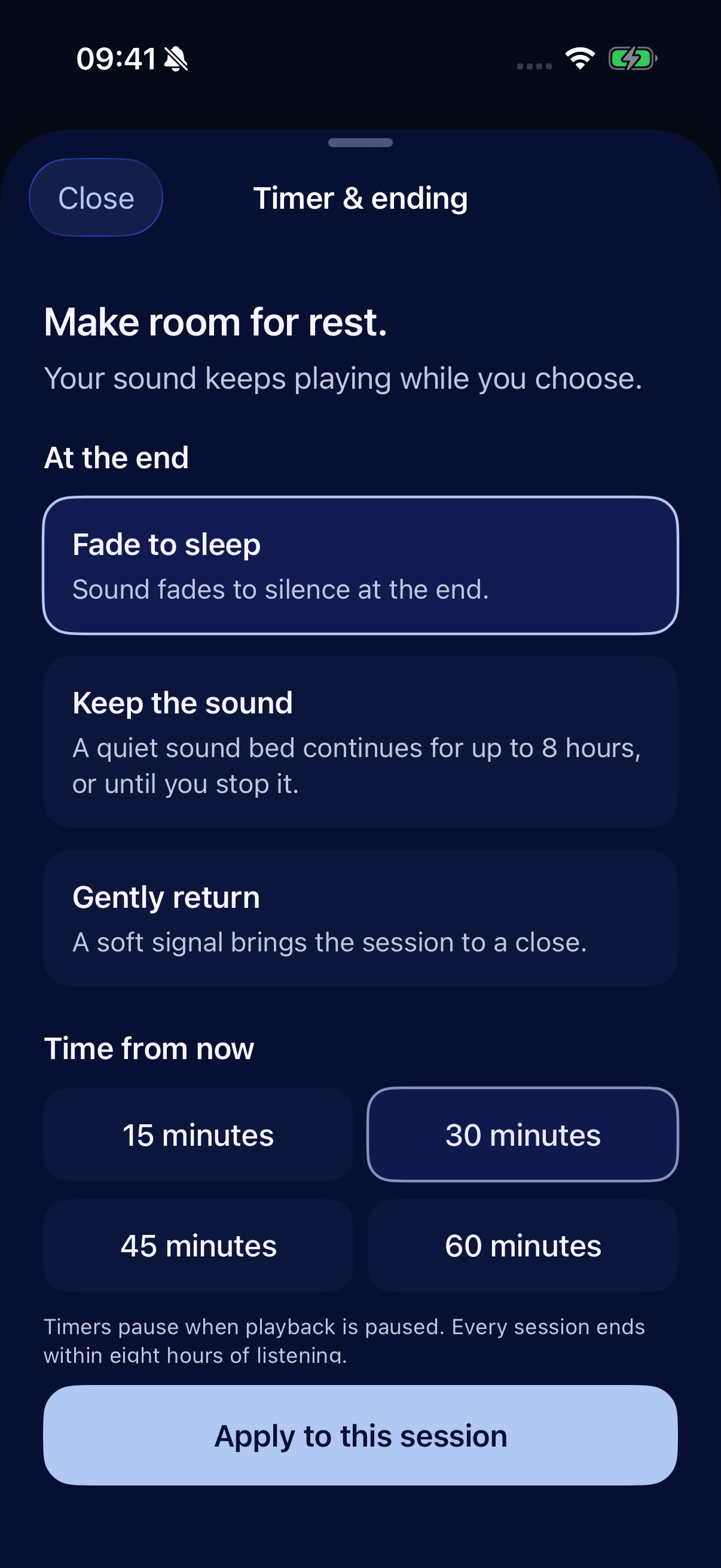
A few minutes to reset, or a longer stretch to unwind. Choose your time and what happens when it ends.
Your check-ins, private notes and Apple Health sleep information stay on your iPhone. A quiet space should feel like one.
Sign-in information and sound favorites use our account service. Read the policy for the full picture.
Sleepanion is being prepared for iPhone with iOS 18 or later. App Store availability and final membership details will be shared here when confirmed. You can explore the sound previews on this website now.
Yes. Sign in with Apple or Google before entering the app. Once your account has been verified on your iPhone, a retained valid session can allow local features to work offline.
The current app includes its sound library on your iPhone. Local listening works offline after verified sign-in. Signing in, account actions and App Store services require an internet connection.
No. Connecting Apple Health is optional. If you connect it, Sleepanion reads available sleep information on your device; it does not upload it to the account service or write sleep records.
Sleepanion is a wellbeing companion. It does not record your microphone, diagnose sleep conditions or infer sleep from listening time. Morning reflections describe your experience; Apple Health information comes from its original sources.
Local data erasure, remote account deletion, Apple Health records and App Store subscriptions are separate choices. Our account and data guide explains what each one does.
Made for iPhone. Launch details coming soon.
Previews are 20-second excerpts of the recordings used in the app. Source and license details are retained with the project.
Landscape artwork created for Sleepanion with AI. Product screenshots show the actual app.